View video tutorials in the Cohart Onboarding Guide.
How to access the Cohart Dashboard
Your Dashboard is where you manage your inventory, sales, marketing, website, contacts, and business tools.
To access your Dashboard:
- Sign in to your Cohart account.
- Click your avatar in the top-right corner to visit your profile.
- Your Dashboard is located on the left side bar when on your profile.
Dashboard Features Link-in-Bio
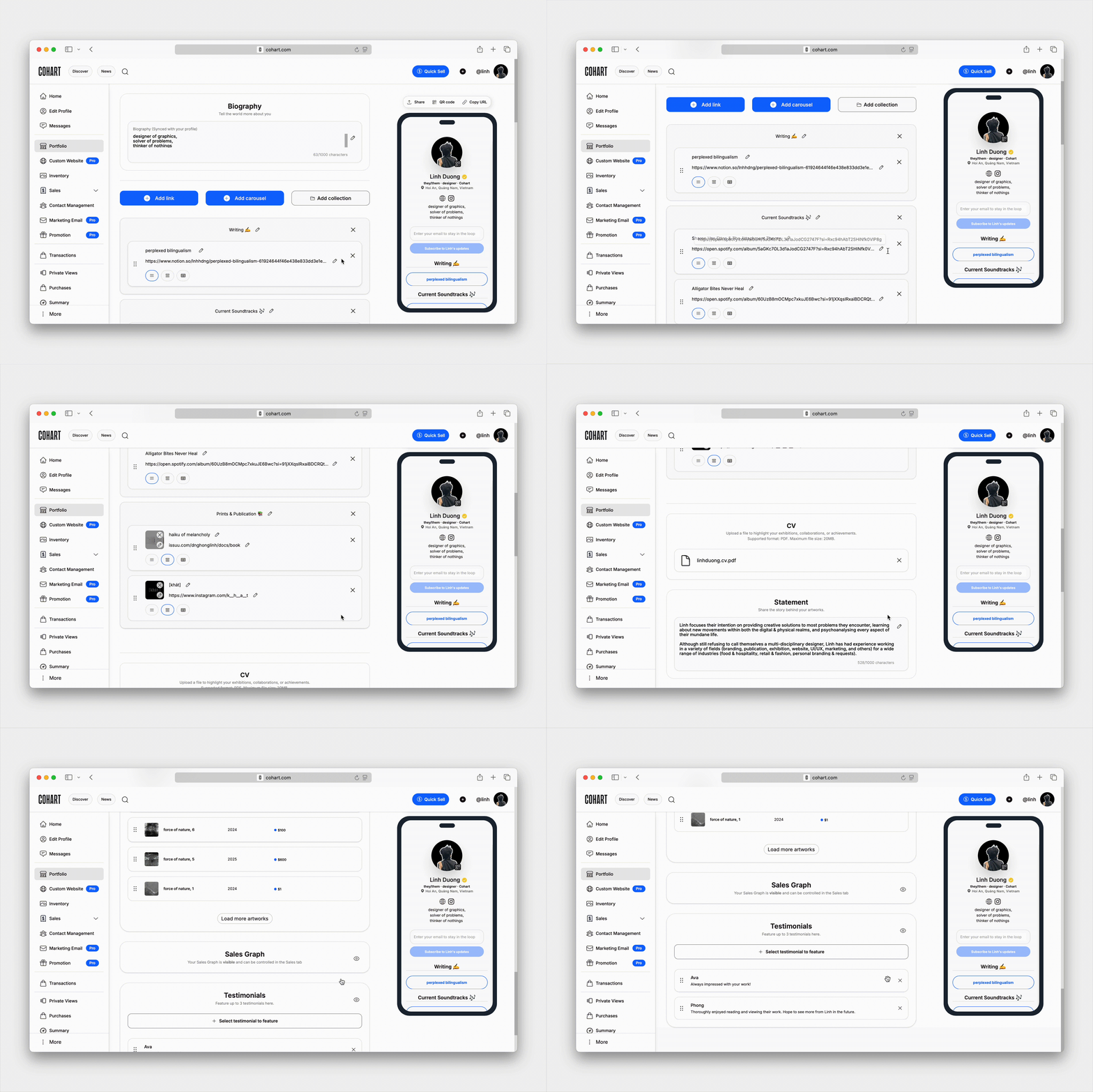
Customize your Link-in-Bio by featuring artworks, adding links to your latest projects, exhibitions, or social media, and creating a shareable page for collectors to browse your work and subscribe to your mailing list.
📖 Learn more at How to Edit and Share my Link-in-Bio.
Website Builder
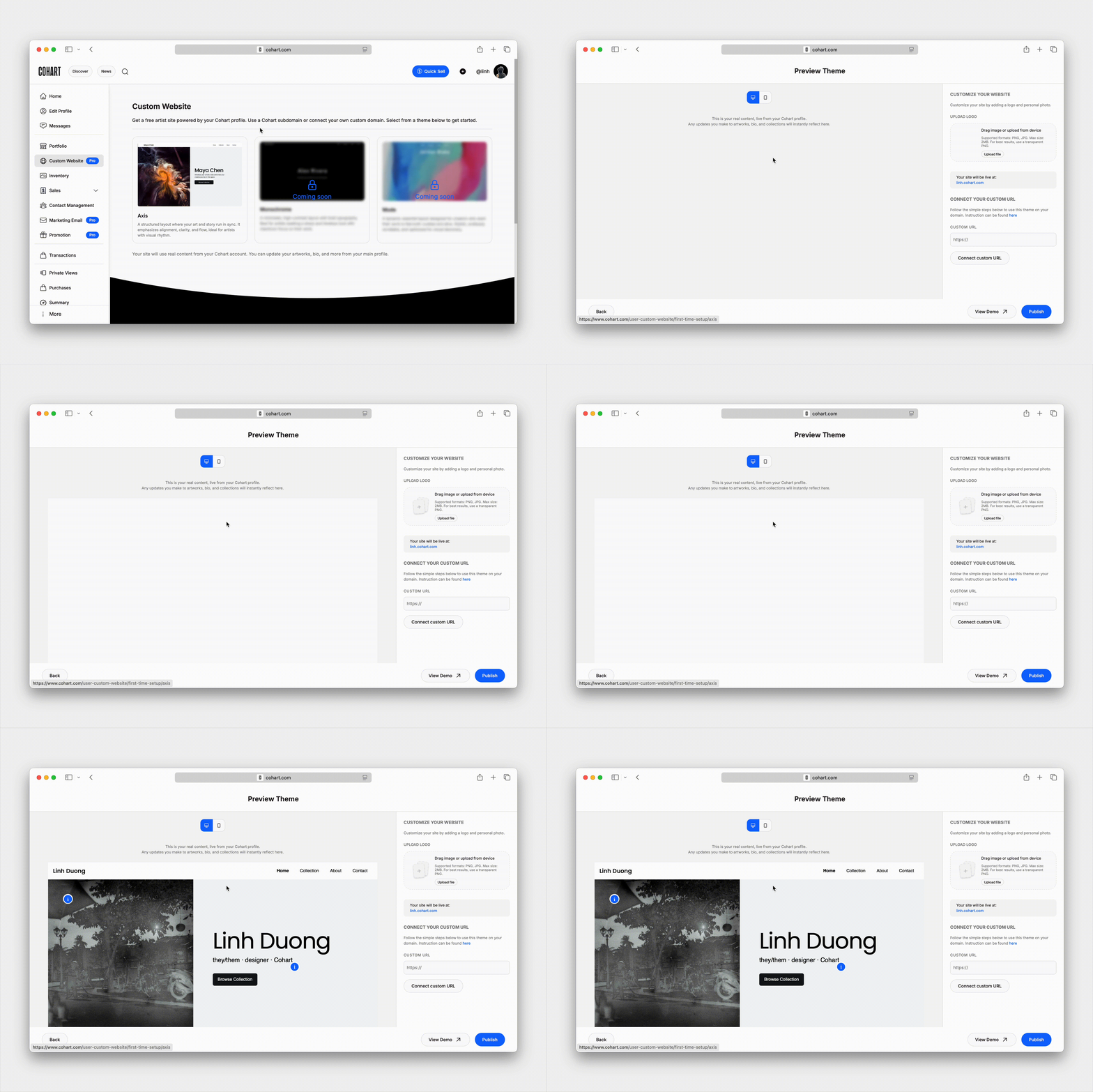
Create and publish a professional Cohart-powered website using your inventory.
Your website stays automatically up to date as your inventory changes, and you can connect a custom domain on eligible membership plans.
📖 Learn more about Website Builder.
Inventory
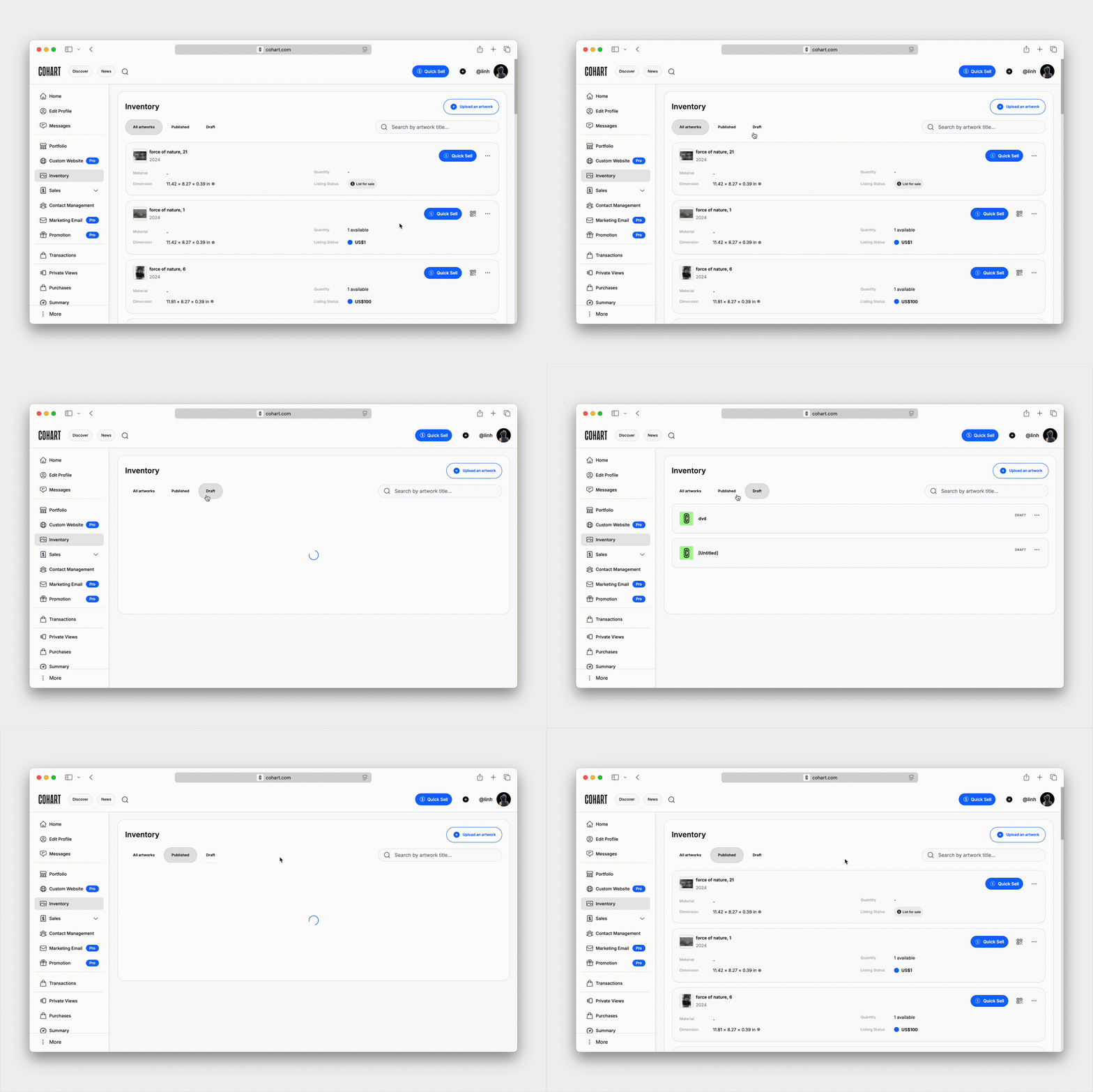
Manage all of your artworks from one place. From Inventory, you can:
- Upload and edit artworks
- Manage availability and pricing
- Export artwork labels, price lists, tear sheets, and Certificates of Authenticity
- List works on Cohart Discover
- Control which artworks appear publicly
📖 View How to Upload Artworks to learn more.
Sales Processing
Process and manage sales through:
- Buy Now listings
- Tap-to-Pay
- QR code checkout
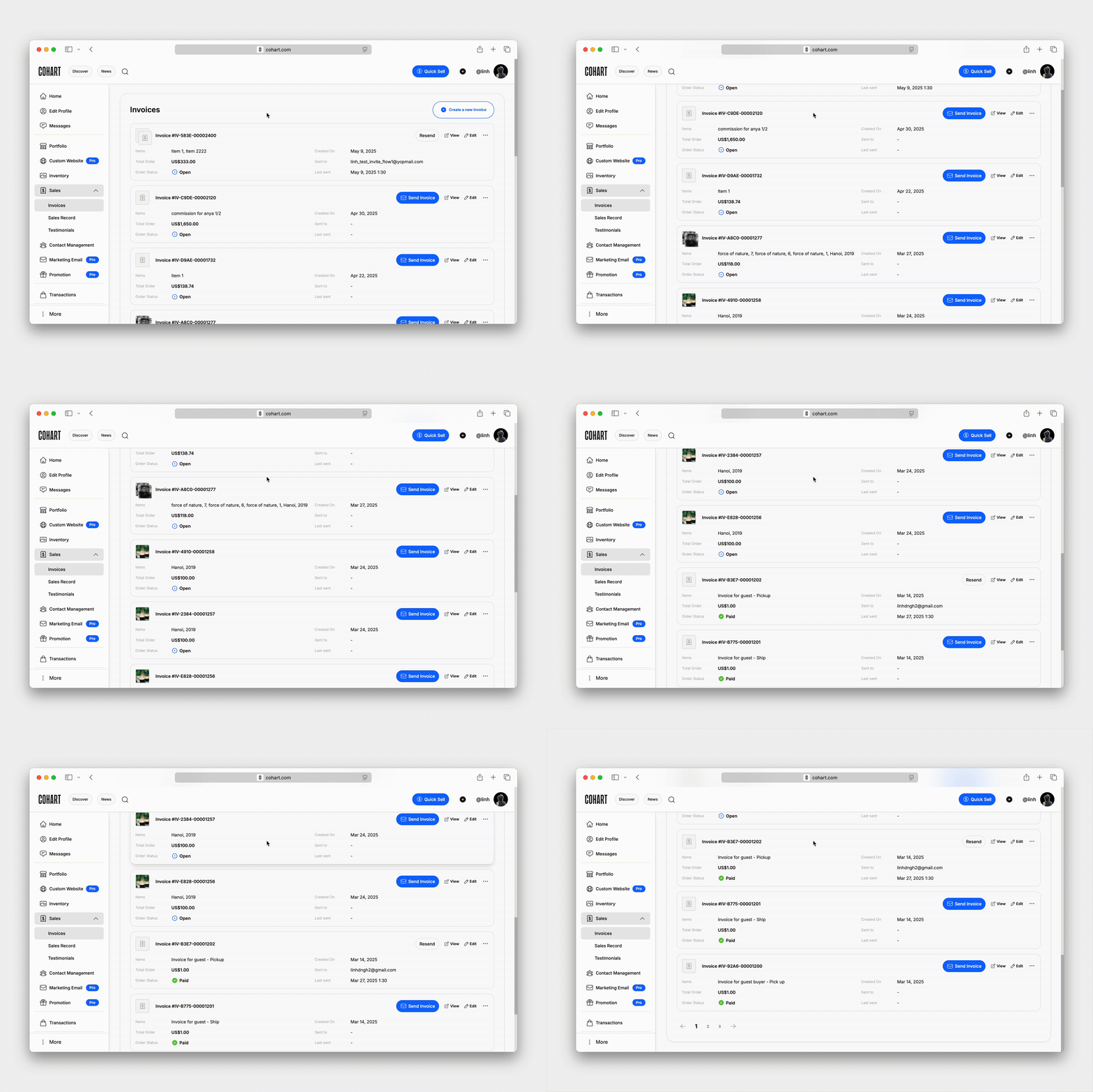
- Custom invoices
📖 Learn more at Cohart In-Person Sales Processing Tools.
Invoice example:
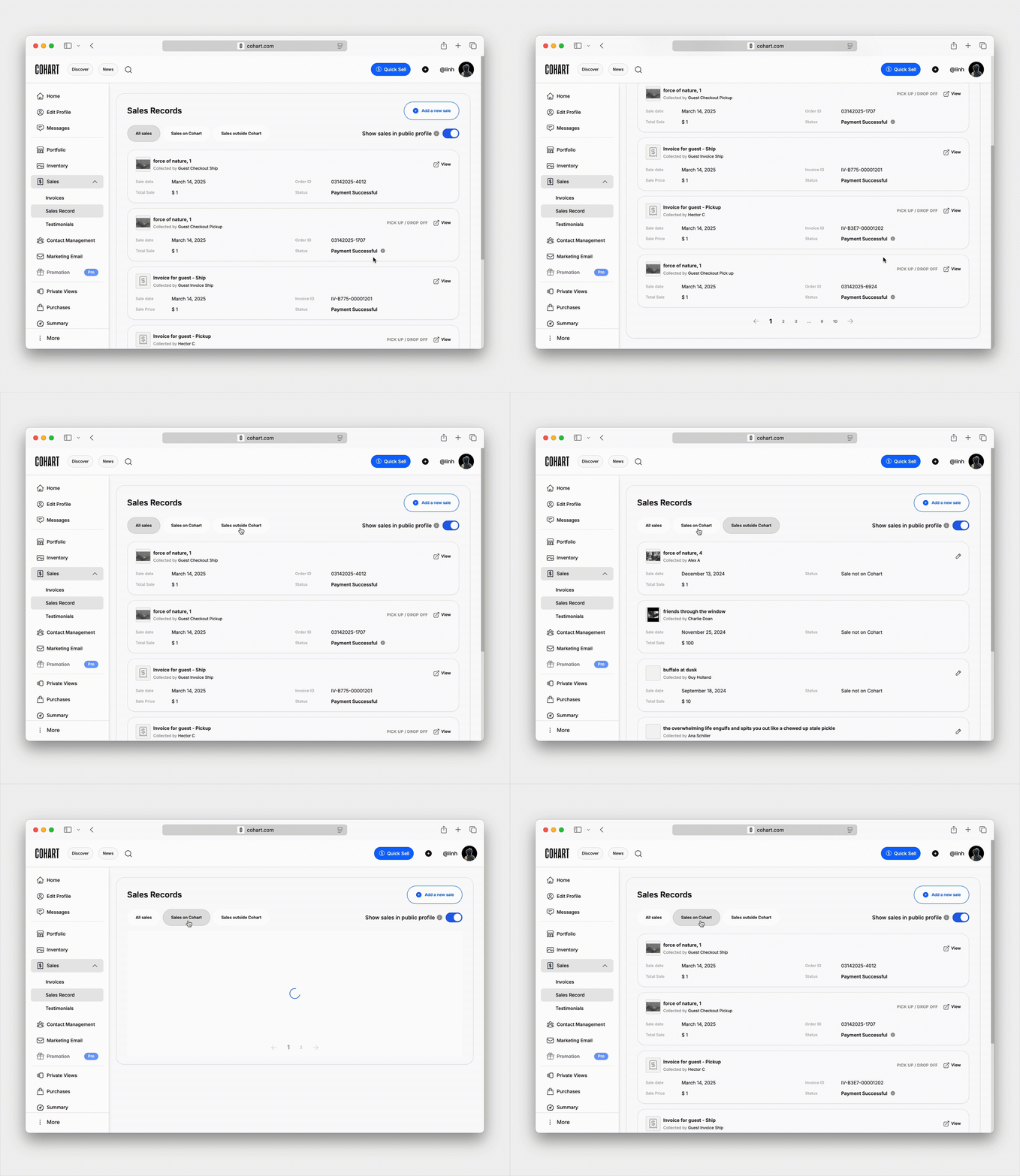
Sales Records
Your Sales Records tab is where you can view and manage all of your sales on Cohart. View your completed sales, payout status, shipping progress, and transaction history.
📖 Learn more about Seller Payouts.
Financial Accounts
Manage Cohart Connect, linked bank accounts, payout settings, and supported currencies.
📖 Learn more about Payouts.
Shipping
Create and manage shipping labels, view shipment history, and track orders shipped through Ship by Cohart.
📖 Learn more about How Shipping Works at Cohart.
Contact Management
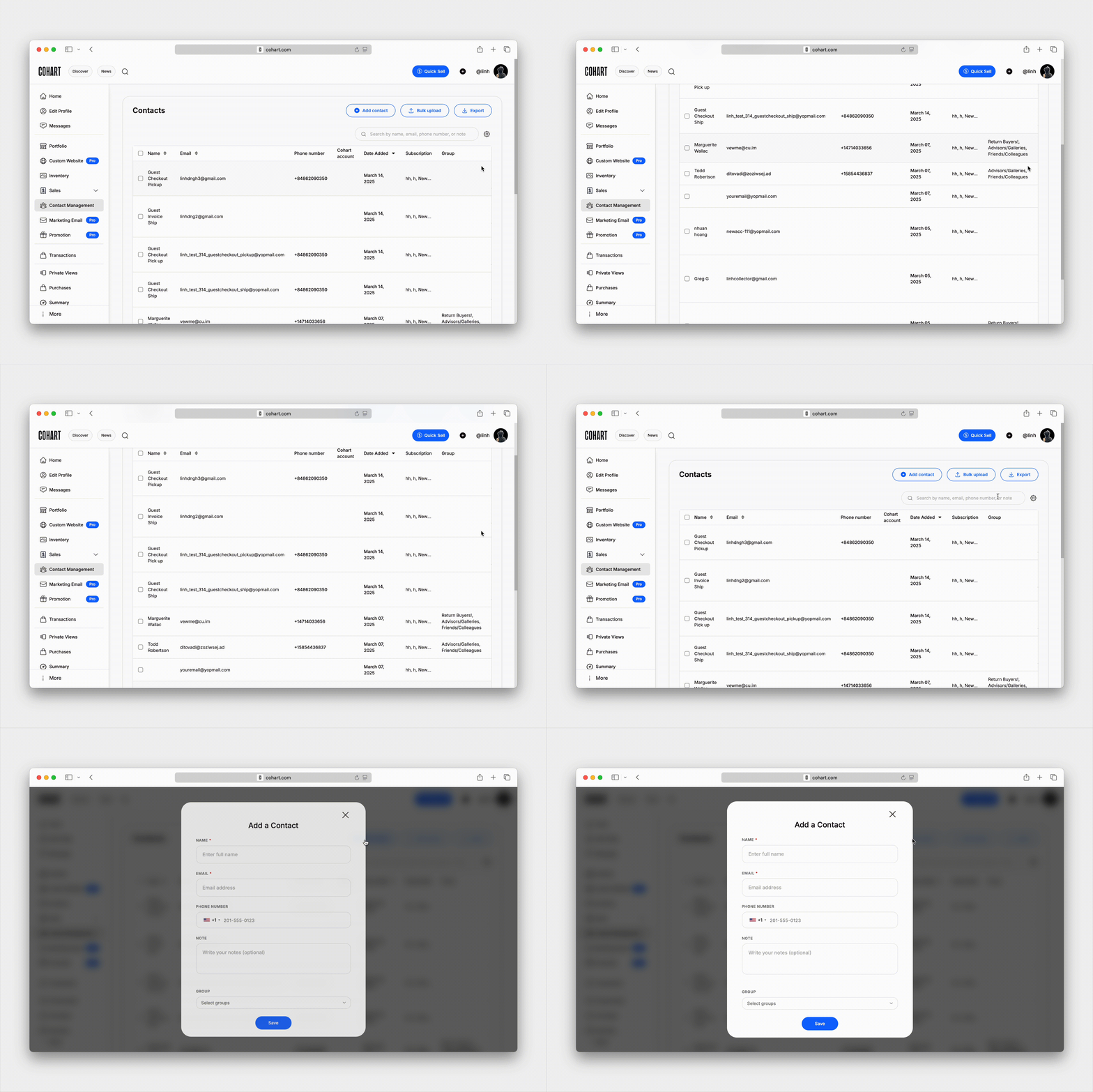
Manage collectors, subscribers, clients, and contacts from one place in Contact Management. Organize contacts into groups, add notes, and build mailing lists for future outreach.
📖 Learn How to Bulk Upload, Manage and Collect Subscribers.
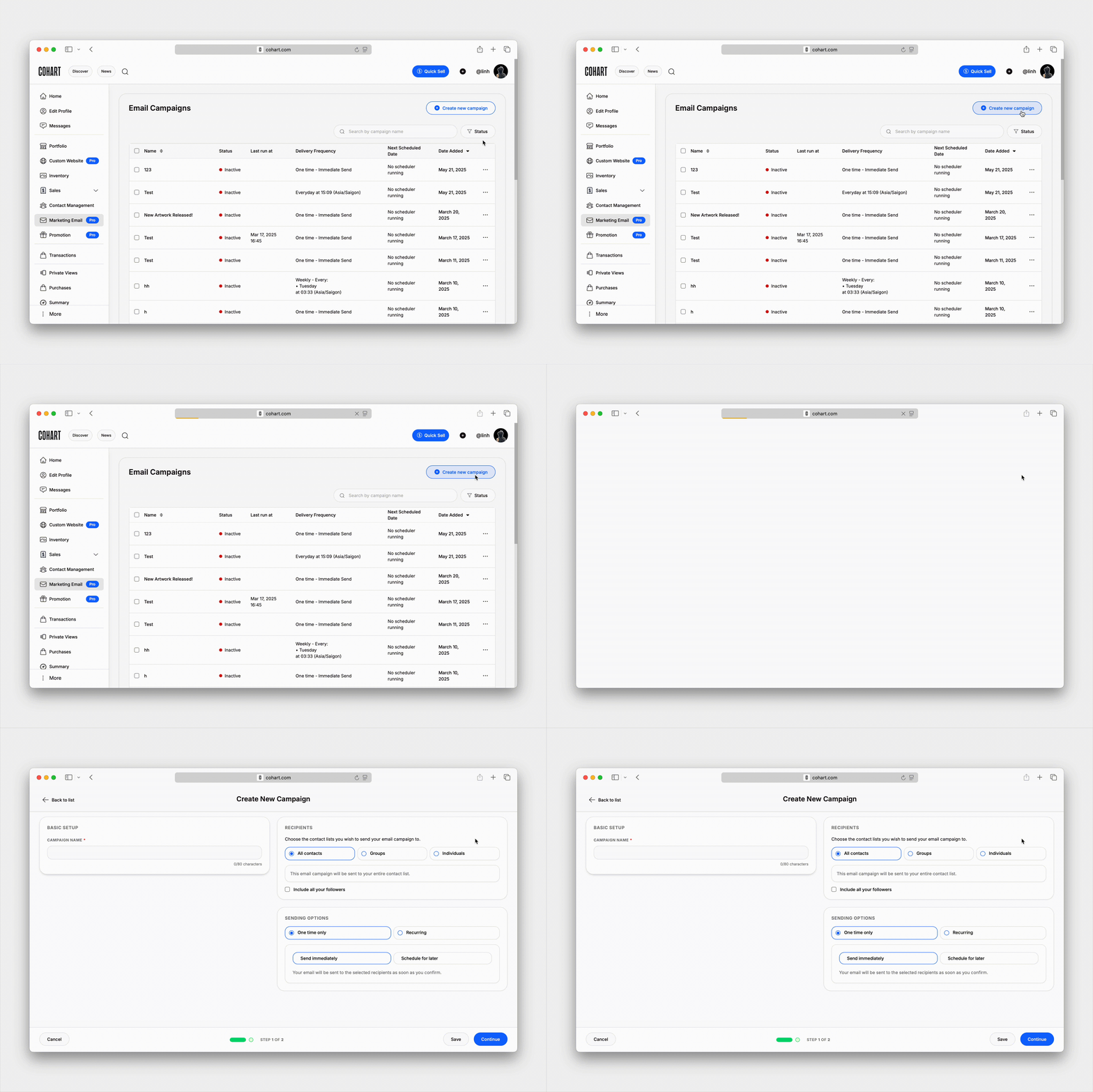
Email Campaigns
Create, schedule, and send email campaigns to your collectors and subscribers.
Use Email Campaigns to announce exhibitions, new works, events, or studio updates.
📖 Learn more about Email Campaigns.
Promo Codes
Create promotional codes for collectors, exhibitions, or special offers.
Promo codes can be shared directly or included in your email campaigns.
📖 Learn more about How to Create and Use Promotion Codes.

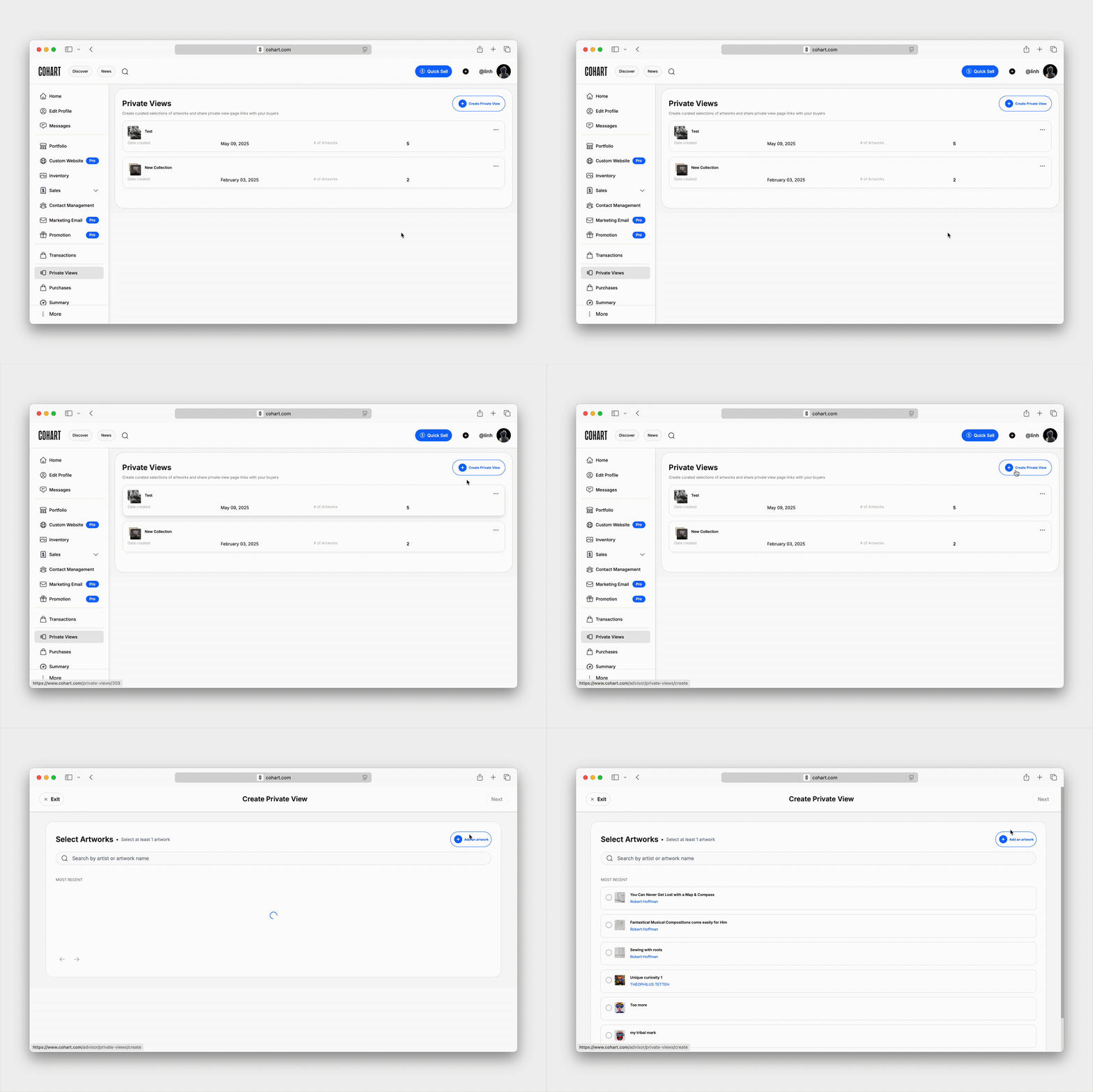
Private Views
Create curated collections of artworks to share privately with collectors, advisors, designers, or clients.
Perfect for follow-up conversations, collector presentations, or showcasing inventory not currently on display.
📖 Learn more about How to Create and Manage Private Views.
Events
Create and promote exhibitions, openings, artist talks, studio events, and ticketed experiences.
Share events through your Link-in-Bio, email campaigns, or social media.
📖 Learn more about Events.
Cohart Discover
Manage your Marketplace Listings and CocoAI Boosts to increase the visibility of selected artworks within Cohart Discover.
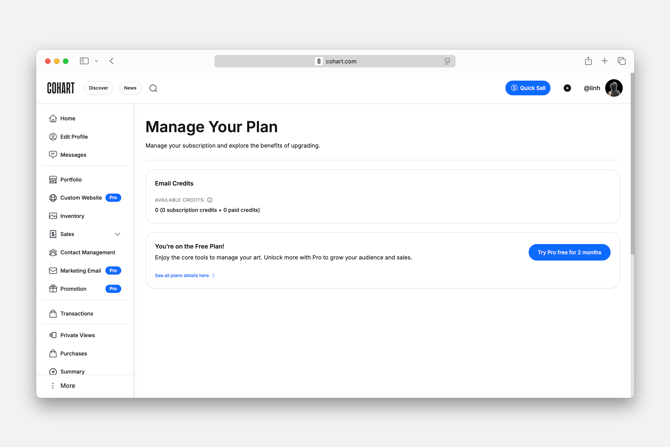
📖 Purchase credits in your Manage Plan.
Manage Plan
View your current membership, compare available plans, purchase Marketplace Listings or CocoAI Boosts, manage Email Campaign credits, and update your subscription.
📖 Learn more about Membership Plans.